
Every order. One screen. No guesswork.
NodeCart's orders dashboard shows every sale with status, payment method, customer details and fulfilment stage. Filter by paid, pending, dispatched or delivered. Generate printable receipts and PDF invoices in one click. Process partial or full refunds with automatic stock restoration. WhatsApp the customer directly from the order page. Finally, a system that matches your workload.
Orders scattered across WhatsApp, notebooks and memory
Some customers paid by M-Pesa. Some promised "tomorrow." Some sent half. You have three notebooks, a notes app, and screenshots in your gallery. An order from last Tuesday needs a refund but you cannot find the original payment. A customer asks for an invoice and you spend an hour in Word. The tools were never the problem — the lack of one system was.
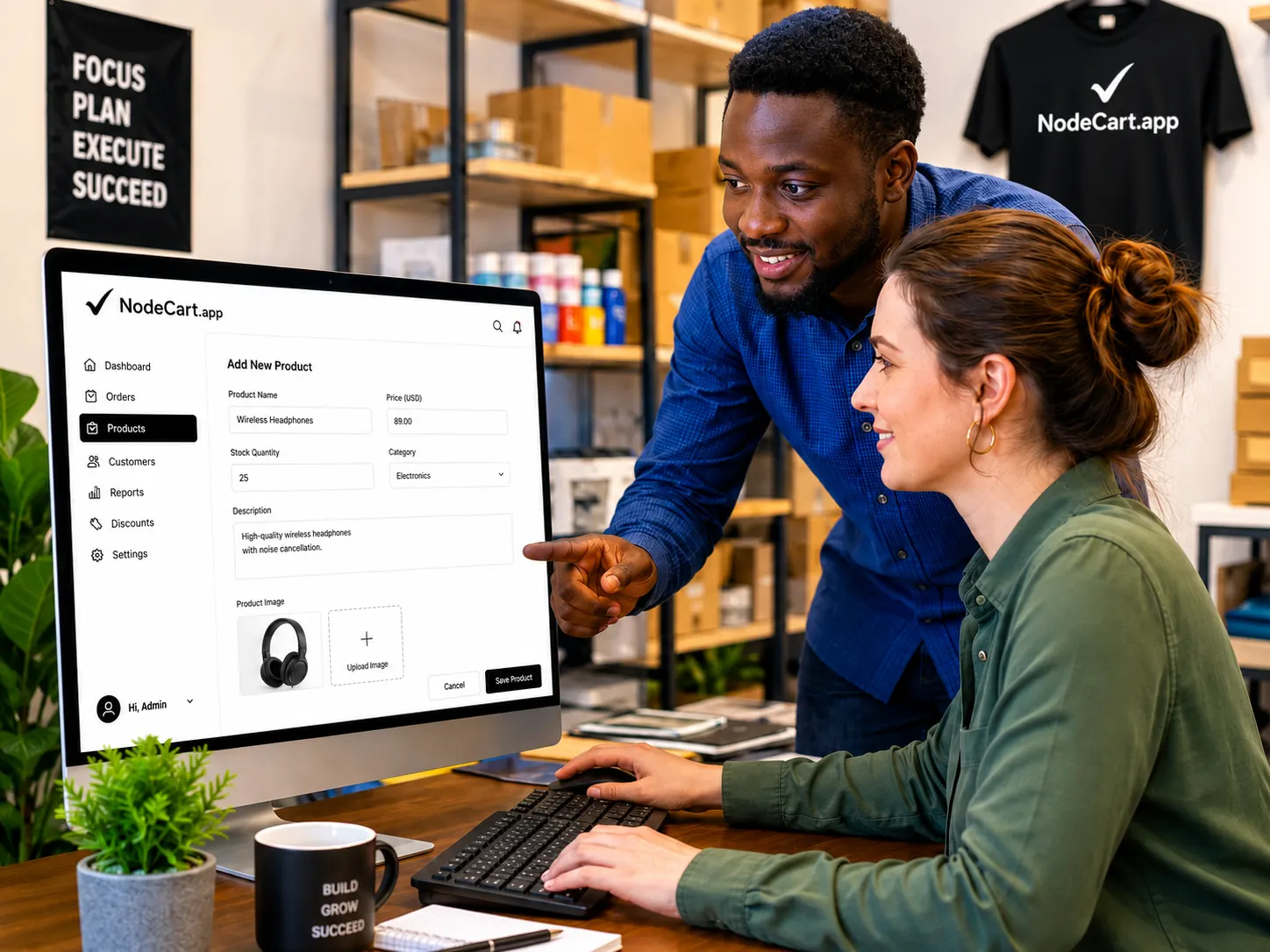
Every order. One screen. No guesswork.
NodeCart's orders dashboard shows every sale with status, payment method, customer details and fulfilment stage. Filter by paid, pending, dispatched or delivered. Generate printable receipts and PDF invoices in one click. Process partial or full refunds with automatic stock restoration. WhatsApp the customer directly from the order page. Finally, a system that matches your workload.
The difference it makes
Industries that rely on this.




Common questions.
Can I print packing slips?
What happens when I refund?
Can I export orders for accounting?
One platform. Everything your shop needs.
Start free and add what you need as you grow.